A capacitive pen is a pen-shaped input accessory fitted with a conductive tip, designed for tapping, handwriting and sketching on capacitive touchscreens found in smartphones, tablets and touchscreen laptops. Unlike ordinary plastic pens, it replicates the electrical properties of human skin. When you hold it, the conductive barrel creates an electrical pathway that carries your body capacitance to the tip. The touchscreen controller detects this local shift in capacitance and registers contact as user input. Many people rely on capacitive stylus pens to jot tablet notes, make simple sketches and navigate touch interfaces. Basic passive capacitive stylus pens require no batteries or Bluetooth pairing. They offer an affordable way to interact with touchscreens and reduce fingerprint and oil smudges on display glass.
Key Takeaways
A capacitive stylus pen mimics the electrical signature of a human finger on capacitive touch panels. Touch detection relies on the user’s body capacitance, not power stored inside the pen.
Passive capacitive stylus pens need no batteries or pairing, cost little, and work with nearly all consumer capacitive touchscreens.
Active capacitive stylus pens include built-in electronics to deliver advanced features such as pressure sensitivity, palm rejection and tilt detection. They must be charged or fitted with replaceable batteries and only work with devices that have matching digitizer hardware and compatible communication protocols.
Choose your capacitive stylus pen based on your use case: passive models work well for casual taps and quick annotations, while active stylus pens suit detailed note-taking and professional digital art.
Always verify device and protocol compatibility before buying. Mismatched hardware or communication standards will disable the advanced functions of active stylus pens.
How a Capacitive Stylus Works
How Capacitive Touchscreens Work
Capacitive touch panels register local capacitance changes caused by conductive objects, such as human skin. The term “capacitive” describes systems that store electrical energy within an electric field. When your finger touches the screen, the conductivity of living tissue disrupts the screen’s static electric field and changes charge cycles at the contact point. The touch controller measures this capacitance shift and translates it into actionable input.
Human tissue contains large amounts of water, giving it a high dielectric constant of roughly 80, compared to approximately 1.0006 for air. When a finger approaches the screen, it raises the effective dielectric constant of the sensing system and increases local capacitance. The human body also acts as a virtual ground to absorb electric charge. In this physical model, the finger functions as an extra conductive plate and forms a pseudo-parallel capacitor, altering capacitance readings captured by the touch sensor.
| Natural Electrical Property | How It Is Detected by Capacitive Touchscreens |
|---|---|
| Conductivity of the human body | Human skin conducts electricity and adds extra capacitance. This disrupts the screen’s electrostatic field and creates measurable shifts in charge charge and discharge cycles. |
| Dielectric properties of human tissue | Water-rich human tissue serves as a high-value dielectric material (dielectric constant ~80 vs. air ~1.0006). A nearby finger increases the system’s dielectric constant and raises overall capacitance. |
| Body acting as a virtual ground | The human body absorbs electric charge and serves as virtual ground. The finger becomes an extra conductive plate, forming a pseudo-parallel capacitor and increasing measured capacitance. |
Capacitive styluses create the same capacitance shift that a finger would produce, using a conductive barrel paired with a soft conductive tip. The conductive shaft creates a resistive electrical path connecting your hand to the tip, adding your body into the touch sensing circuit. When the tip touches the capacitive panel, the sensor reads the contact just like a human finger.
Styluses made for older resistive touch panels will not work on capacitive screens because their tips are non-conductive. To trigger capacitive touch sensors, a stylus must create the same conductive and dielectric disturbance that human skin creates. Manufacturers therefore build capacitive styluses from conductive materials.
The conductive tip disturbs the touchscreen’s electrostatic field. Capacitive touch controllers work by measuring local capacitance changes. When the stylus touches the glass, capacitance shifts at the contact point, and the device records this as touch input. This explains why capacitive touchscreens only respond to conductive objects such as bare fingers or conductive stylus tips.
The process can be broken down into three simple stages:
- The stylus tip is made from conductive materials such as conductive rubber or woven conductive fiber to interact with the panel’s electrostatic field.
- Physical contact between tip and display disrupts the local electrostatic field and changes capacitance at the contact point.
- The touch controller detects this capacitance shift and converts it into touch input.
Common tip materials are conductive rubber and conductive fiber mesh. Conductive rubber makes soft, gentle contact with glass. Fiber mesh slides more smoothly and resists wear, shape deformation and fraying. Both materials transfer your body capacitance to the screen surface, so they work across different capacitive touch hardware.
Passive capacitive styluses do not need batteries. They rely fully on your body capacitance. A conductive path runs from your hand through the pen barrel to the tip and completes the sensing circuit. The screen reacts exactly as if you touched it with a finger. This simple physical principle powers all passive capacitive styluses on the market.
Types of Stylus Tips and Designs
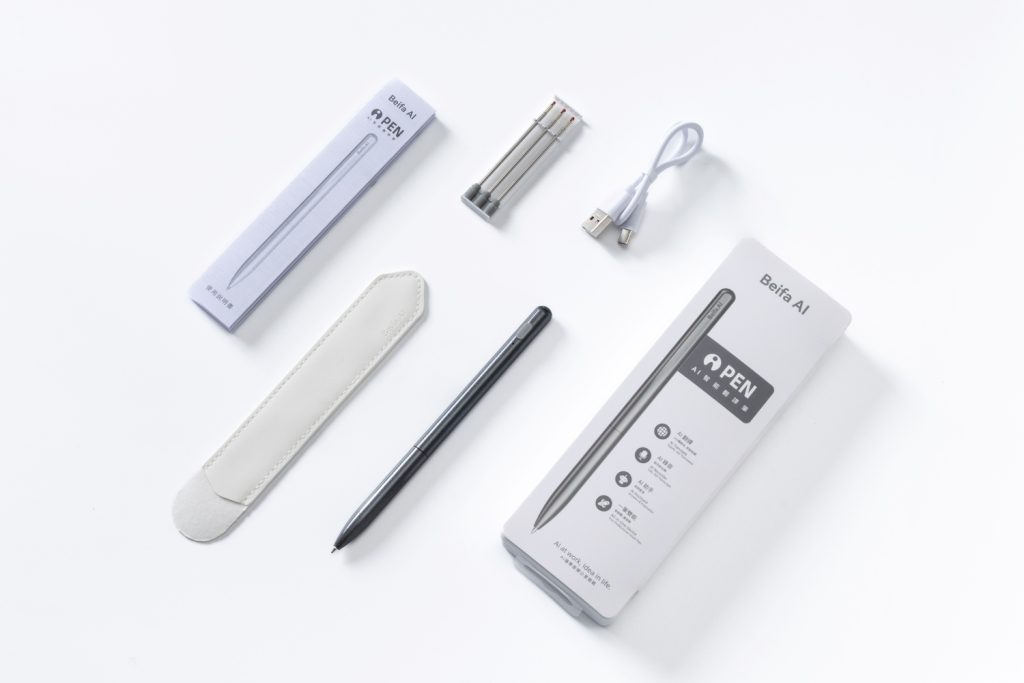
Passive Styluses: Simple and Battery-Free
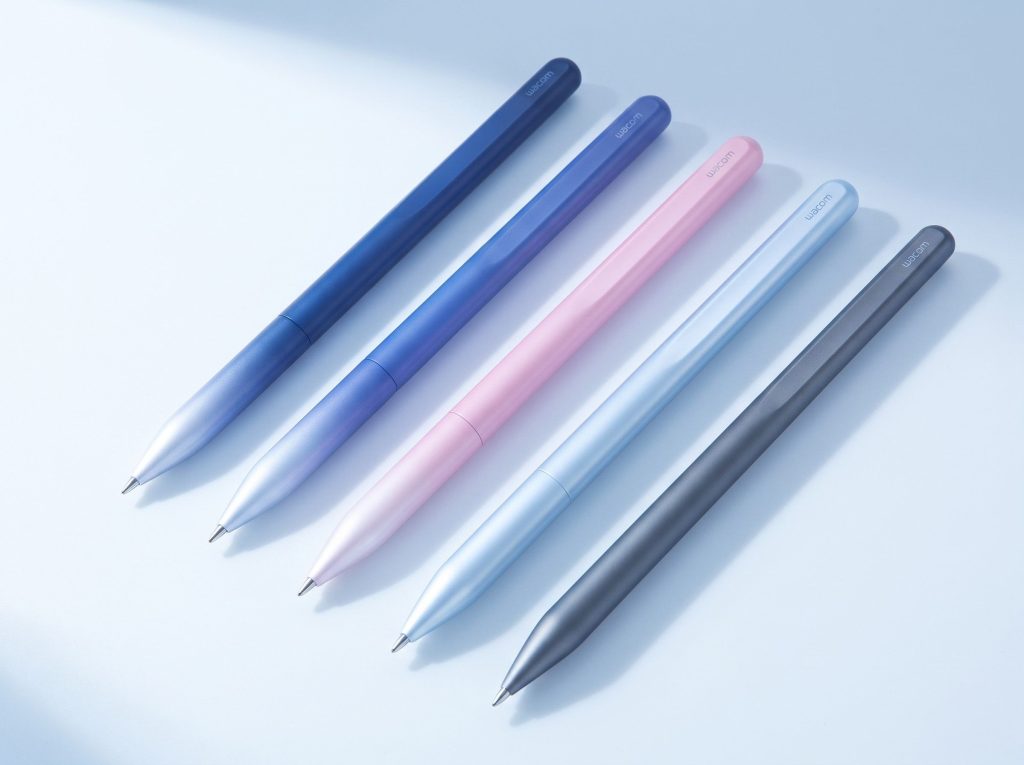
Passive capacitive styluses have no internal electronics. They mimic finger touches on capacitive panels by passing body capacitance through conductive rubber or fiber mesh tips. No charging, batteries or Bluetooth pairing are needed. They work with nearly all capacitive touchscreens found in consumer electronics.
Fiber mesh tips use tightly woven conductive microfibers, usually carbon-doped polyester, nylon or composite conductive blends. This tip replicates the capacitive signature of human skin while reducing sliding friction. Compared with conductive rubber, fiber mesh keeps conductivity stable through heavy use and resists permanent deformation, fraying and sticky residue buildup. Hybrid tip designs wrap fiber on the outside with a conductive rubber core, balancing smooth glide and cushioning.
Active Styluses: Pressure Sensitivity and Palm Rejection
Active styluses contain built-in electronics and power supplies to communicate bidirectionally with a device’s native digitizer. This hardware delivers high precision, low input latency and palm rejection. High-end active models support thousands of pressure levels, tilt detection, on-screen hover preview and programmable side buttons. Active styluses require charging or battery replacement and cost more. Compatibility is limited only to devices equipped with matching digitizer hardware and supported firmware protocols.
Active styluses come with different power options. Some use replaceable AAAA batteries for users who prefer not to recharge often. Other versions support magnetic wireless charging and can run for up to 12 continuous hours with haptic feedback turned off. Widely adopted industry protocols include USI 2.0 and MPP 2.0; Bluetooth adds extra interactive functions.
Fine-Tip vs. Disc-Tip Designs
Tip shape directly affects writing precision and how much of the screen you can see while drawing. Fine tips resemble traditional pen points and suit detailed handwriting and drawing. Disc tips use a flat transparent disc to expand contact area and improve touch recognition, though the disc partially blocks your view of the screen. Fine fiber tips strike a balance between precision and natural writing feel. Anyone ordering custom stylus designs should test both tip styles before finalizing specifications.
Pros and Cons of Capacitive Styluses
Benefits: Affordable and Universal
Capacitive styluses bring practical advantages for everyday touchscreen use. Passive models use simple construction, keeping manufacturing costs low; many reliable options sell for just a few dollars, making them accessible for basic touchscreen control.
Wide cross-device compatibility is another major advantage. A passive capacitive stylus works on nearly all consumer devices with capacitive touch panels, including popular iOS, Android, and Windows touchscreen hardware. One passive stylus can be used across multiple household devices without pre-checking compatibility.
Lightweight builds make them comfortable to hold. Conductive rubber and fiber mesh tips are standard; fiber mesh versions are built for longer service life. They require no pairing, charging or setup. Users can start tapping or writing the moment they pick up the stylus.
Limitations: Precision and Palm Rejection
Passive capacitive styluses have clear functional limits. The most commonly cited downside is the lack of palm rejection. Without internal electronics, the touch panel cannot tell the difference between the stylus tip and your palm resting on the glass. Users must keep their hand hovering above the screen while writing or drawing, which can cause fatigue during long note-taking sessions.
Passive styluses handle basic tasks such as scrolling and web browsing but lack pressure and tilt sensing needed for professional drawing or detailed annotation. Active styluses solve these limitations with palm rejection, pressure response and tilt detection, delivering high fidelity suitable for creative professionals.
Passive styluses also cannot match active styluses in precision. Since a passive stylus only imitates finger contact, it cannot detect how hard you press. Artists cannot change line thickness by adjusting pen pressure. The tradeoff for active styluses is narrower device compatibility.
How to Choose a Capacitive Stylus Pen
Key Factors: Tip, Comfort, and Price
Your first decision is tip selection. Tip material controls glide feel and service life. Conductive rubber feels soft against glass; fiber mesh offers better wear resistance and smoother consistent movement. Contact area affects accuracy: wide contact surfaces mimic finger input and suit casual tapping, while narrow tips help for small handwriting, though passive models cannot achieve ultra-fine precision. Barrel ergonomics also matter: lighter weight reduces hand fatigue during long writing sessions, textured grips stop slipping, and balanced weight improves control during fast strokes.
Critical selection criteria:
- Pressure sensitivity: Adjusts line thickness dynamically; only active styluses detect applied pressure. Passive styluses register no pressure variation.
- Latency: Input delay directly shapes writing experience. Even small lag disrupts fast note-taking and sketching.
- Power system: Rechargeable active styluses need regular charging; replaceable AAAA batteries create recurring operating costs.
- Portability: Slim designs are easier to carry in pockets or bags than bulkier alternatives.
- Ergonomics: Weight, grip shape and balance should fit your hand for extended use.
- Value: Advanced features including tilt detection, hover preview and programmable buttons are only useful if the stylus fully works with your target device.
Commercial buyers may request customised bulk orders with custom grips and branded markings. Sample testing before mass production helps avoid costly mistakes.
Matching the Stylus to Your Use Case
For casual use on smartphones and tablets, passive capacitive styluses are the right pick. They copy finger electrical signals with no batteries or setup. Users can tap, scroll and open apps instantly. Passive styluses work well for web browsing, reading documents and quick text replies, while reducing fingerprint smudges on displays. Their low cost makes it easy to keep separate units at home and work.
For heavy note-taking and digital art, passive styluses fall short. Active styluses capture pressure and tilt data and support palm rejection. Direct communication between the stylus and device digitizer keeps input latency low. Compatible active styluses for iPads offer pressure sensitivity, tilt recognition and palm rejection; some support hover preview to show an on-screen cursor before the tip touches the glass. Artists use these features for shading, sketching and variable linework. Students rely on active styluses to annotate lecture slides and mark up PDF documents.
Before buying an active stylus, you must confirm device protocol compatibility. iOS, Android and Windows devices use different active stylus standards. Some rely on Bluetooth for extra functions; others use USI 2.0 or MPP 2.0. A stylus built for one protocol will not work on hardware designed for another standard. Always check the official compatibility documentation published by your device manufacturer.
New users experimenting with touchscreen input can start with passive styluses. People working on creative projects or heavy annotation should choose active styluses. When shopping, prioritise matching the stylus capabilities to your workflow rather than price alone.
FAQ
Does a capacitive stylus work on any touchscreen?
No. Capacitive styluses only work on capacitive touch panels, the dominant touch technology in modern smartphones, tablets and touch laptops. Older resistive touch screens require dedicated resistive styluses. Passive capacitive styluses need no pairing and can be shared across multiple capacitive devices. Confirm your screen type before ordering.
Do passive styluses need a battery or Bluetooth?
No. Passive styluses have no internal power source. Your body supplies the capacitance needed for touch sensing; the conductive path running from your hand through the pen barrel to the tip closes the sensing circuit. No charging, pairing or configuration steps are needed. This simple design keeps costs low for casual tapping and scrolling tasks.
Can a passive stylus replace an active pen for drawing?
Not fully. Passive styluses imitate finger contact and cannot detect pen pressure or enable palm rejection. Artists needing pressure sensitivity and tilt response should pick active styluses. Passive models still work well for web browsing, quick notes and simple light sketching.
What should bulk buyers check before ordering?
Bulk purchasers need to verify screen compatibility, tip durability and grip ergonomics. Manufacturers can add custom branding and modified grips for large-volume orders. Sample testing before mass production reduces the risk of costly errors.
How does a stylus keep the screen clean?
The conductive tip touches the display glass instead of bare skin, cutting down fingerprints, oil residues and smudges. This keeps the screen clear during long use. Soft rubber or fiber mesh tips also lower abrasive friction against the glass surface.