Figuring out if a stylus is capacitive takes less than a minute, with no special tools required. Capacitive (passive) styluses work by mimicking the electrical charge of a human fingertip, making them compatible with nearly all modern smartphones and tablets. Hard plastic-tipped styluses, by contrast, will not work at all on modern capacitive touchscreens.
This guide covers three simple checks to confirm a stylus is capacitive, breaks down the difference between passive capacitive pens and active smart styluses, and answers common compatibility questions.
Key Takeaways
- A true capacitive stylus has a conductive tip made of rubber, fiber mesh, or clear disc material; hard plastic tips do not work on capacitive screens.
- The fastest test: tap the stylus lightly on any smartphone or tablet. If it responds the same way it does to your finger, it is capacitive.
- Capacitive styluses are passive tools — no battery, Bluetooth, or pairing is required. They work anywhere a finger works.
- Styluses with batteries, Bluetooth, or pressure sensitivity are active styluses, which only work with specific compatible devices.
3 Ways to Check if a Stylus Is Capacitive
1. Inspect the Tip Material
Capacitive touchscreens register touches by detecting tiny changes in their electrostatic field. Only conductive objects can alter this field enough to trigger a response — which is why a hard plastic stylus will never work on a modern phone or tablet.
Genuine capacitive styluses have a conductive tip (infused with materials like copper or indium tin oxide, ITO) in one of three common forms:
- Soft rubber / silicone tip
- Fiber mesh tip (the modern industry standard, replacing traditional rubber)
- Clear disc-shaped tip
All three designs conduct electrical charge from your hand to the screen, just like a bare finger. Hard plastic tips are non-conductive and cannot trigger a capacitive touch response at all.
2. Test It on Any Capacitive Touchscreen
This is the most reliable verification method, and it takes under 60 seconds:
- Open a blank notes or drawing app on any modern smartphone or tablet (confirm the screen works normally with your finger first).
- Hold the stylus lightly and tap the glass — do not press hard. Capacitive screens sense charge, not pressure.
- If the screen registers the tap immediately and the response matches your fingertip, the stylus is capacitive.
Keep your palm away from the screen during the test to avoid false touch signals. If your finger works but the stylus does not, it is not a capacitive model.
3. Read the Product Label & Specs
You can often tell from packaging or product listings alone:
- Labels that say capacitive, conductive tip, rubber tip, or mesh tip indicate a passive capacitive stylus.
- Labels that mention battery, Bluetooth, charging, pressure sensitivity, or palm rejection indicate an active smart stylus, not a basic capacitive pen.
Capacitive (Passive) Stylus vs. Active Stylus: Key Differences
The terms are often confused, but the two designs work very differently:
| Feature | Capacitive (Passive) Stylus | Active Stylus |
|---|---|---|
| Power source | No battery or charging required | Requires battery / regular charging |
| Compatibility | Works on nearly all capacitive touchscreens | Limited to specific devices and operating systems |
| Core functions | Basic tapping, scrolling, drawing | Pressure sensitivity, tilt detection, palm rejection, shortcut buttons |
| Tip design | Conductive rubber, mesh, or disc tip | Fine precision tip with digital connectivity |
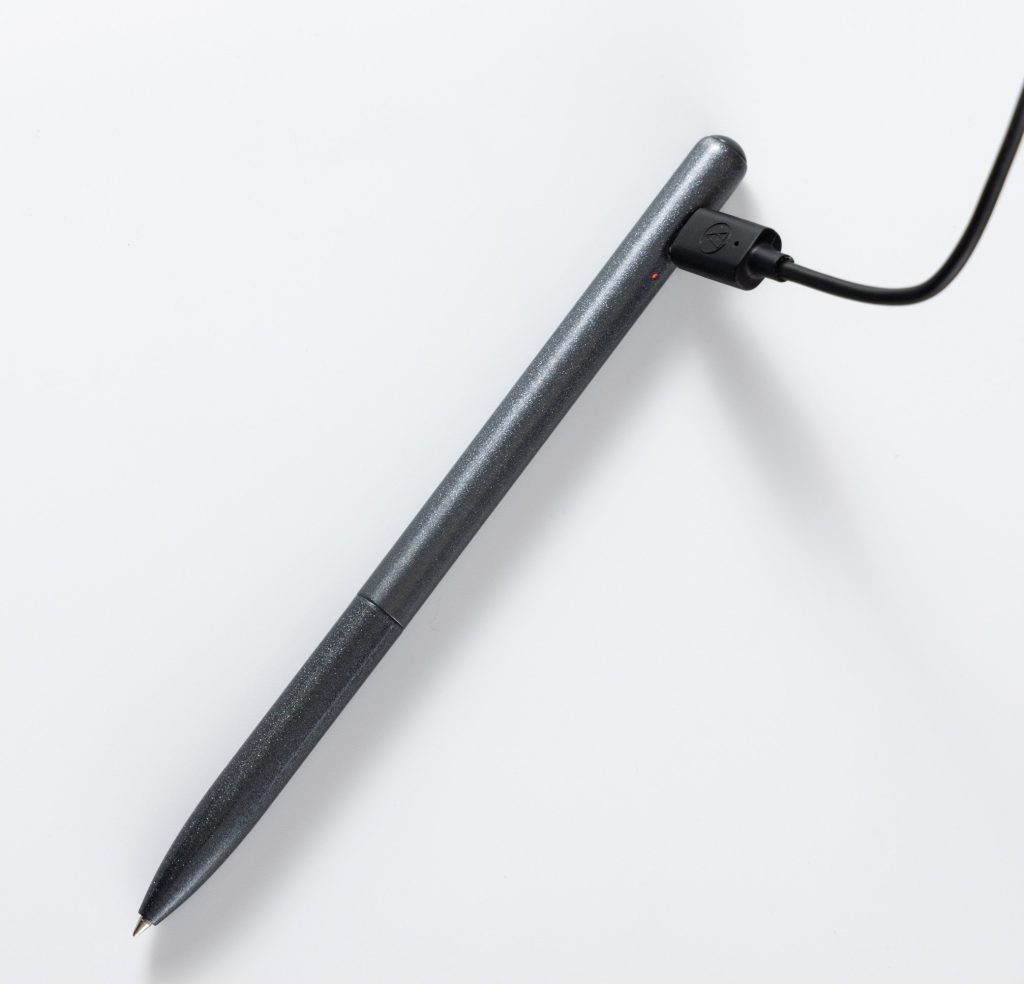
For example, AI-enabled smart pens with voice recording or translation features (such as the Beifa AI Smart Pen series) are active styluses. They rely on internal electronics and power, so they are not basic capacitive styluses.
FAQ
Can a capacitive stylus work on any touchscreen?
Yes, it works on all capacitive touchscreens — the standard type used on nearly all modern smartphones and tablets. It acts exactly like a fingertip and requires no special drivers or setup.
Why does a hard plastic tip fail on smartphones?
Capacitive screens detect changes in an electrostatic field, which requires a conductive object to trigger. Hard plastic is non-conductive and cannot transfer electrical charge from your hand to the screen, so the device never registers the touch.
Does a capacitive stylus need batteries or Bluetooth?
No. A capacitive stylus is a completely passive tool with no internal electronics. It works solely by conducting charge from your hand to the screen through its tip — no charging, pairing, or maintenance is needed.
What is the difference between an active stylus and a passive one?
An active stylus has built-in electronics, requires charging, and often pairs with a specific device via Bluetooth to enable advanced features like pressure sensitivity and palm rejection. A passive (capacitive) stylus works like a finger, needs no power, and works on any capacitive screen.
How can you identify a capacitive tip quickly?
Open a notes app on your phone or tablet and tap the screen lightly with the stylus. If a mark appears immediately and the response matches your fingertip, it is capacitive. No pressure is required for the screen to register the touch.