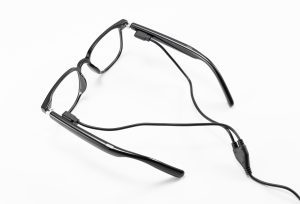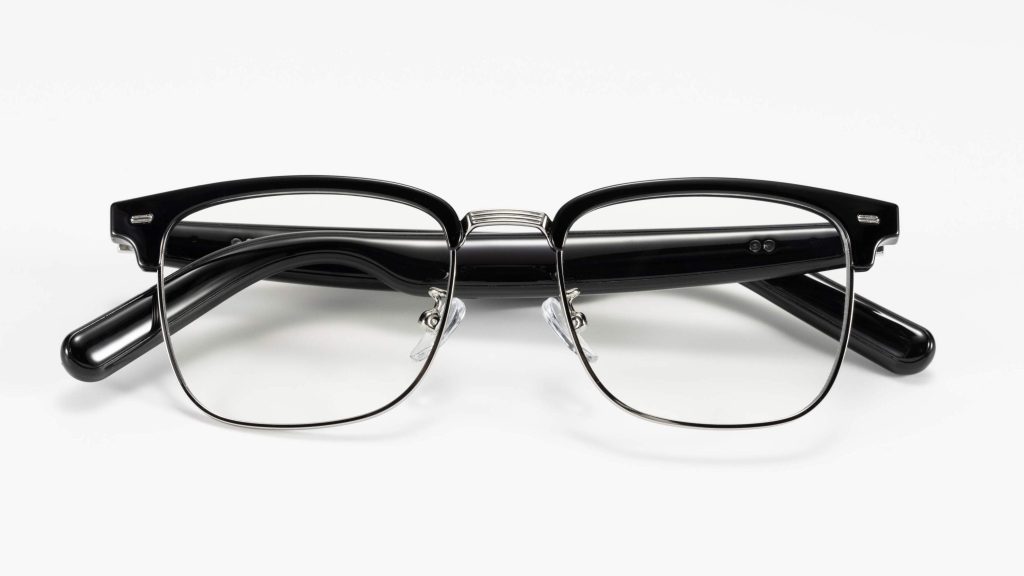
Yes, you can often spot smart glasses — but how easy it is depends entirely on the model. Some designs are bulky and obviously tech-heavy, while others look nearly identical to regular prescription eyeglasses. You can identify them through a mix of physical design clues, behavioral patterns, and recording indicator lights. Thick temple arms, tiny corner camera lenses, blinking status lights, and repeated touch gestures on the frame are the most common giveaways.
Learning these signs helps you recognize the technology around you and protect your privacy in public spaces.
Key Takeaways
- Smart glasses often have thicker temple arms that hide speakers, microphones, and display projectors.
- Look for tiny camera lenses at the outer corners of the frame, plus small microphone holes along the front or temples.
- Repeated temple taps, short voice prompts, and brief gaze shifts toward the frame corner are common behavioral cues.
- A blinking LED near the lens is the most reliable sign that camera-equipped AI glasses are actively recording.
- Some models look identical to regular glasses, so look for a combination of physical and behavioral clues.
What Do Smart Glasses Look Like?

Frame & Temple Clues
The temple arms (the pieces that rest over your ears) are often the first visual clue. Most smart glasses have slightly thicker arms than standard eyewear, to house internal electronics: speakers, microphones, batteries, and for display models, mini projectors. On some display models, one temple may be noticeably thicker than the other.
Other small physical details on the frame:
- Tiny pinhole openings along the temples or front frame, which are microphone ports for voice pickup and noise reduction.
- Magnetic charging ports or hidden USB-C ports near the hinge or temple tip.
- A small status LED light near the front corner or temple.
Camera & Sensor Features
The front frame holds the most obvious visual marker: a small, subtle camera lens. Most models place the lens at the outer top corner of the frame near the hinge; some sit along the top rim, and a smaller number near the nose bridge.
| Component | Typical Placement |
|---|---|
| Camera lens | Outer top corner of the frame, near the hinge |
| Microphone array | Small pinholes along the frame or temples |
| Touch controls | Tap/swipe zones on the temple arm |
| Open-ear speakers | Grille openings on the temple, directed toward the ear |
| Display optics | Visible projector elements inside the lens area (display models only) |
Note: not all smart glasses have cameras. Audio-only models focus on calls, translation, and voice assistants with no visual recording capability.
How to Spot Smart Glasses: Behavioral Clues
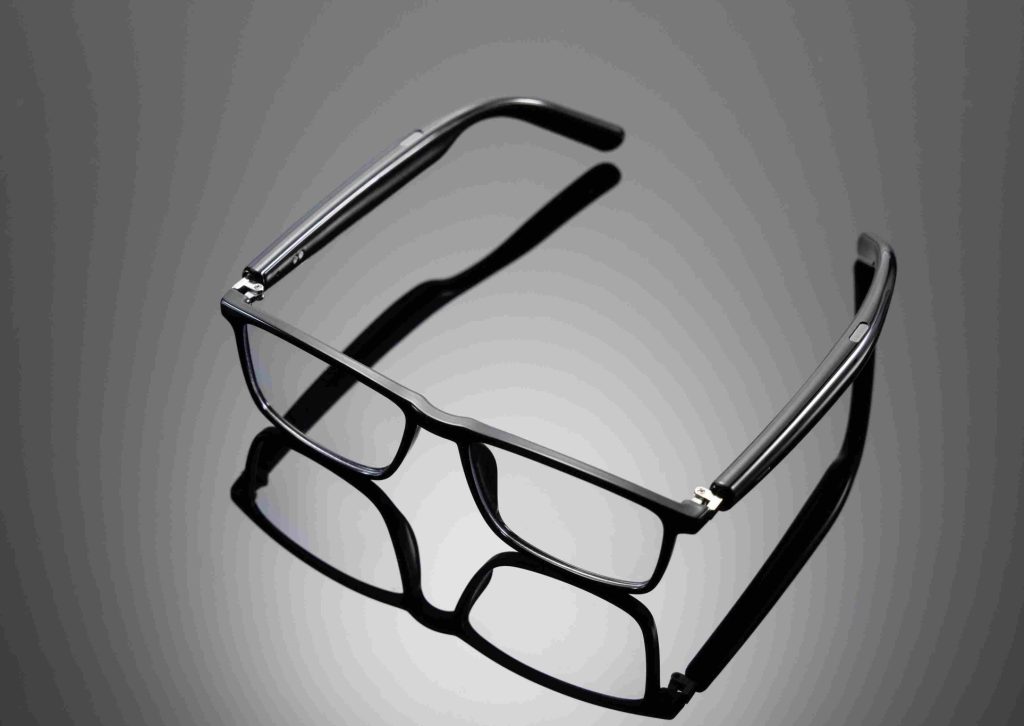
Behavioral cues often give away smart AI glass use, even when the frames look like regular eyewear. These repeated small actions stand out against normal habits:
| Behavioral Cue | What It Usually Means | Common Alternative Explanation |
|---|---|---|
| Repeated tapping on the same spot on the temple | Activating touch controls or features | Adjusting fit, scratching, nervous habit |
| Short swipes along the temple arm | Navigating on-screen menus | Fidgeting, adjusting glasses |
| Quiet voice prompt followed by a short pause | Using voice assistant or translation feature | Phone call, hearing aid, dictation |
| Brief mid-conversation pause with gaze shift toward the frame corner | Reading a display notification | Thinking, distraction, eye strain |
Single gestures can have everyday explanations, so look for repeated, consistent patterns rather than one-off actions.
How to Tell If Smart Glasses Are Recording
Look for the Recording Indicator Light
For camera-equipped models, a small front-facing LED light is the most reliable sign of active recording. It is wired directly to the camera power circuit on reputable brands — covering the light disables the camera entirely, as a built-in privacy safeguard.
- A solid or slow-blinking light usually means video recording is active.
- A quick flash typically signals a still photo capture.
Exact placement varies by brand:
- Meta Ray-Ban: White blinking LED at the top right corner of the frame, opposite the camera on the top left.
- Oakley Meta HSTN: Camera and LED in the same corner.
- Oakley Meta Vanguard: LED centered on the nose bridge, just above the camera.
Other Recording Clues
- Behavioral: Repeated temple taps to start/stop recording, or quiet voice commands followed by pauses.
- Technological: Apps like Nearby Glasses scan for Bluetooth Low Energy signatures from known smart glass brands, and alert you when devices are within 3–15 meters.
FAQ
Can people recognize smart glasses in public?
Yes, often — but it depends on the model. Thick temples, tiny camera lenses, and microphone holes are visible clues, and recording lights are hard to miss. Some designs look nearly identical to regular glasses, so detection requires looking for multiple combined clues.
Do all smart glasses have a camera?
No. Audio-only models focus on calls, voice assistants, and translation with no camera or visual recording capability. Always look for a lens before assuming a device can capture images.
How does the recording LED protect privacy?
The LED is wired directly to the camera’s power circuit on reputable models. It lights up whenever the camera is active, and covering the light disables the camera entirely. This design prevents hidden secret recording.
What are signs of unwanted smart glasses recording?
The clearest sign is a blinking LED near the camera lens. Repeated temple taps, quiet voice prompts, and brief pause-to-read behaviors can also signal active recording.
Can smart glasses record people without their knowledge?
Camera-equipped smart glasses can be used to record without consent, but reputable models include mandatory recording indicator lights that make hidden recording very difficult. Knowing the signs helps people protect their privacy in public.