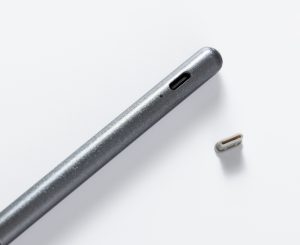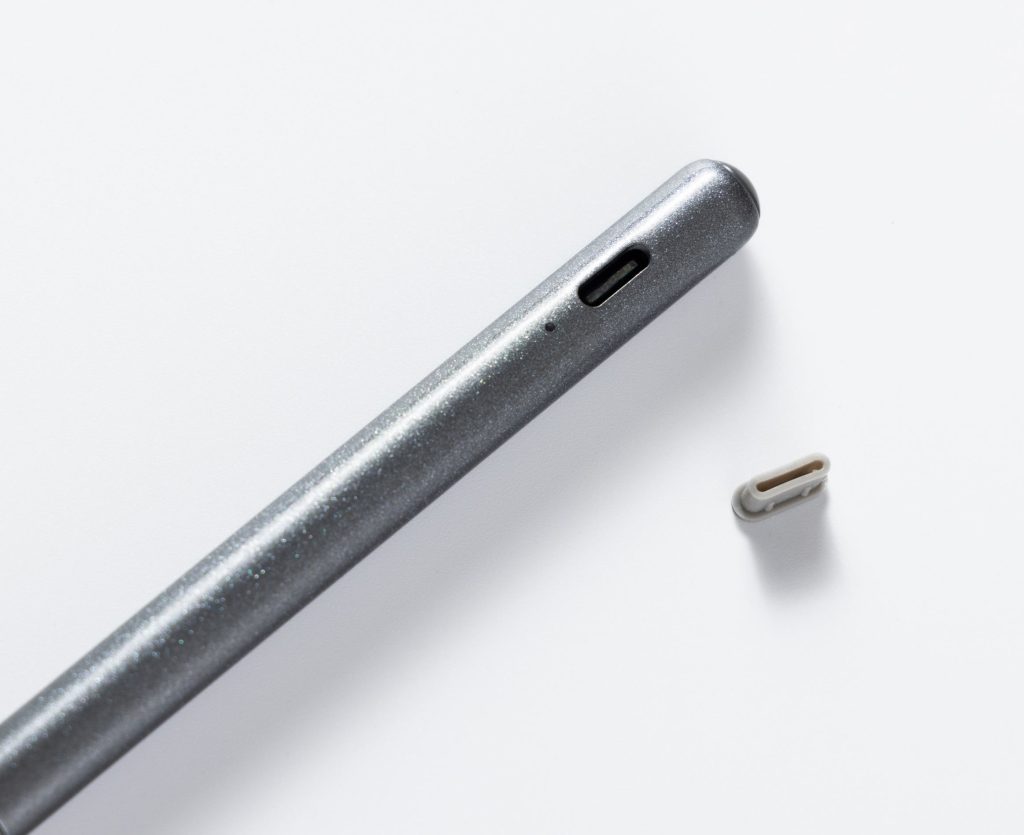
A smart pen is a digital writing tool that captures handwritten notes as searchable digital files, often with synchronized audio recording and app connectivity. It pairs the natural feel of writing with ink on paper with the convenience of digital storage, search, and sharing. Smart pens are most widely used for student lecture notes, business meeting documentation, and any workflow that combines handwriting with spoken audio.
Key Takeaways
- Smart pens convert handwritten notes into searchable, shareable digital files in real time.
- Most models record audio and sync it to each line of writing, so you can tap a note to replay the exact moment it was written.
- Notes sync to companion apps and the cloud, accessible from any device with search and export features.
- Smart pens require proprietary dot-pattern paper to track position, and most brands use their own unique paper format.
- They deliver the most value for students and professionals who regularly combine handwriting with audio recordings.
Core Uses of a Smart Pen

1. Digitize Handwritten Notes in Real Time
A smart pen writes with real ink on physical paper while simultaneously sending a digital copy to a companion app. You get the familiar tactile feel of handwriting, plus a permanent digital backup so lost notebooks never mean lost work.
After capture, AI-powered OCR converts handwritten text into searchable, editable digital text — even for messy handwriting. Some systems also support math-to-LaTeX conversion for STEM users.
2. Record Audio Synced to Your Writing
The signature feature of most AI recording pens is audio-to-ink sync: the pen records lecture or meeting audio and links each line of writing to the exact moment in the recording it was written. Tap any line of notes later to replay what was being said at that exact point.
This feature is widely used in education and professional settings. A 4-year study of students with disabilities at Maynooth University found most users reported greater confidence and better academic performance using Livescribe smart pens, as synchronized notes reduced reliance on human note-takers.
3. Build Searchable, Shareable Note Archives
All captured notes are organized into a searchable digital library, so you can find content by keyword instead of flipping through physical notebooks. Notes can be tagged, categorized, exported as PDF/PNG/text files, and shared with classmates or colleagues.
Research confirms digital note-taking is as reliable as traditional methods: one study found no significant difference in recall between tablet, handwriting, and laptop note-taking, with digital notes offering the added benefit of search and backup.
4. Boost Learning & Work Productivity
For students, synchronized audio and notes simplify lecture review and cut down on study time. For professionals, smart pens create fast, accurate meeting records and action items without switching between a notebook and a separate recorder.
Many models also generate AI-powered summaries of long meetings or lectures, condensing hours of content into key points for quick review.
How a Smart Pen Works

Dot Pattern Position Tracking
Nearly all smart pens use a tiny infrared camera near the tip to read a micro dot pattern printed on special paper. The unique pattern at every position on the page tells the pen exactly where it is on the page, so it can map every stroke into digital form.
Each brand uses its own proprietary dot pattern, so notebooks are not interchangeable between brands. Some systems let users print custom dot templates at home to reduce long-term paper costs.
Sensor Types
| Sensor Type | Technology | Key Characteristics |
|---|---|---|
| Camera-based (dot pattern) | Infrared camera reads page dots | Most common design; works with standard paper refills; accurate stroke capture |
| Accelerometer-based | Built-in motion sensors | Works on any surface; highly portable; converts movement to digital strokes |
| Active electromagnetic | Resonance between pen and pad | No battery required; pixel-level precision; pressure-sensitive; low latency |
From Ink to Digital Text
The pen records the direction, speed, and pressure of every stroke, then renders it as digital ink in the companion app. AI handwriting recognition then converts the strokes into searchable text, with accuracy improving as the software learns your handwriting style.
When a Smart Pen Is the Right Fit
AI pens deliver the most value when you regularly combine handwriting with spoken audio. They are ideal for:
- Students recording and reviewing lectures
- Professionals documenting client meetings and field notes
- Anyone who prefers handwriting but wants searchable, backed-up records
Alternatives to Consider
- Tablet + stylus: Best for PDF annotation and e-reading; no paper required.
- Dedicated voice recorder: Best for word-for-word audio records; no handwriting component.
- Reusable scan notebook: Best for occasional digitization; write on reusable pages, scan later with an app.
FAQ
Does a smart pen need special paper?
Yes. Most models use a micro dot pattern printed on the page to track pen position. Writing on plain blank paper will not be digitized. Each brand uses its own proprietary pattern, so notebooks are not interchangeable between brands.
Can a smart pen record audio and writing at the same time?
Yes. The pen links every stroke of writing to a corresponding moment in the audio recording. Tap a line of notes later to replay what was said at that exact point. This is especially useful for lecture and meeting review.
Do smart pens work without an internet connection?
Yes. Notes are stored in the pen’s internal memory first, then synced to the cloud once the device reconnects. You can write through full days of classes or meetings without connectivity.
How do notes transfer from the pen to a phone or tablet?
The pen pairs with a companion app via Bluetooth. After pairing, handwritten pages appear on linked devices in real time. The app organizes notes into a searchable archive and backs them up to the cloud.
Who benefits most from a smart pen?
Students and professionals who regularly combine handwriting with audio recordings gain the most value. People who only type notes or only need a voice record have simpler, lower-cost alternatives.